
Learn How To Use ChatGPT Like A Pro – The Friendly Beginner’s Guide
Mastering ChatGPT: The Ultimate Beginner’s Guide (2026 Edition)
ChatGPT has changed a lot since it first started as a simple text tool. With the release of GPT-5, users can now enjoy faster and smarter AI, making it a helpful resource for many tasks. Whether you’re coding, shopping for new items, or doing research, this version offers a better and easier user experience.
Here is a guide on how to start using GPT-5 and what makes it different from earlier versions, focusing on its special features and skills.
1. Getting Started is Free and Easy
You don’t even need an account to start chatting, though signing up lets you save your history. You can access it via:
-
Web: ChatGPT.com
-
Mobile: Available on the iOS App Store and Google Play.
-
Desktop: Dedicated apps for Windows and Mac for quick shortcuts.
2. Meet the New Models
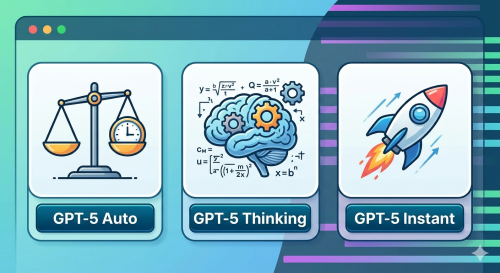
In 2025 and 2026, the model picker became the heart of the experience. Depending on your plan, you can choose:
-
GPT-5 Auto: The perfect balance of speed and smarts.
-
GPT-5 Thinking: For when you have a complex math problem or a difficult logic puzzle.
-
GPT-5 Instant: Built for lightning-fast replies.
3. Powerful New “Modes” to Explore
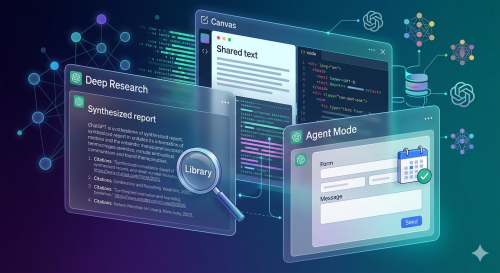
ChatGPT isn’t just for talking anymore. It now features specialized tools:
-
Deep Research: It acts like a digital librarian, scouring the web to create full reports with citations.
-
Agent Mode: This allows the AI to actually do things for you, like filling out forms or checking your calendar.
-
Canvas: A side-by-side workspace where you can edit documents or code together with the AI.
4. How to Write Better Prompts
To get the best results, remember these three rules:
-
Be Specific: Instead of “Write a story,” try “Write a 200-word mystery story set in a rainy London cafe.”
-
Give Context: Tell the AI who you are and what you need the info for (e.g., “I am a student trying to understand physics”).
-
Ask for Changes: If the first answer isn’t perfect, just say “Make it shorter” or “Explain it like I’m five.”
5. Pricing at a Glance
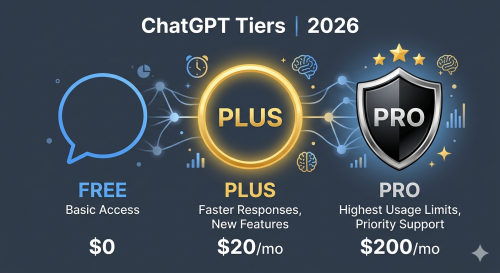
| Plan | Price | Best For |
| Free | $0 | Casual users and beginners. |
| Plus | $20/mo | Power users who want the latest tools. |
| Pro | $200/mo | Professionals needing the highest limits and detail. |
6. FAQs (Frequently Asked Questions)
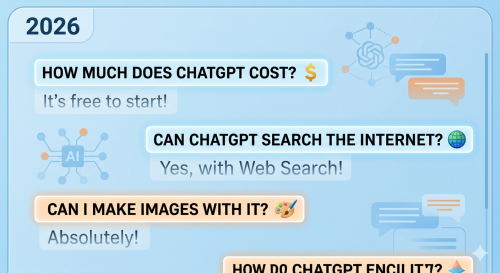
How much does ChatGPT cost? It is free to start! If you want faster speeds and access to GPT-5 Thinking, the Plus plan is $20/month.
Can ChatGPT search the internet? Yes! By using the Web Search tool in the “+” menu, ChatGPT can find the latest news and provide links to its sources.
Can I make images with it? Absolutely. Just ask it to “Create an image of…” and it will use the built-in generator to make a picture for you in seconds.
Is the information always right? While GPT-5 is much more accurate than older versions, it can still make mistakes. It is always a good idea to double-check important facts using the Deep Research mode.
Can I use it for shopping? Yes, especially in the US. You can search for products and even check out directly in the chat with supported stores like Etsy and Walmart.
READ ALSO – Do You Know ChatGPT? Learn How This Viral AI Can Change Your Life
Final Verdict
Whether you’re using Codex to fix code or Create Image to design a poster, ChatGPT is now a true “everything app.” It’s designed to be your personal assistant, tutor, and creative partner all in one.